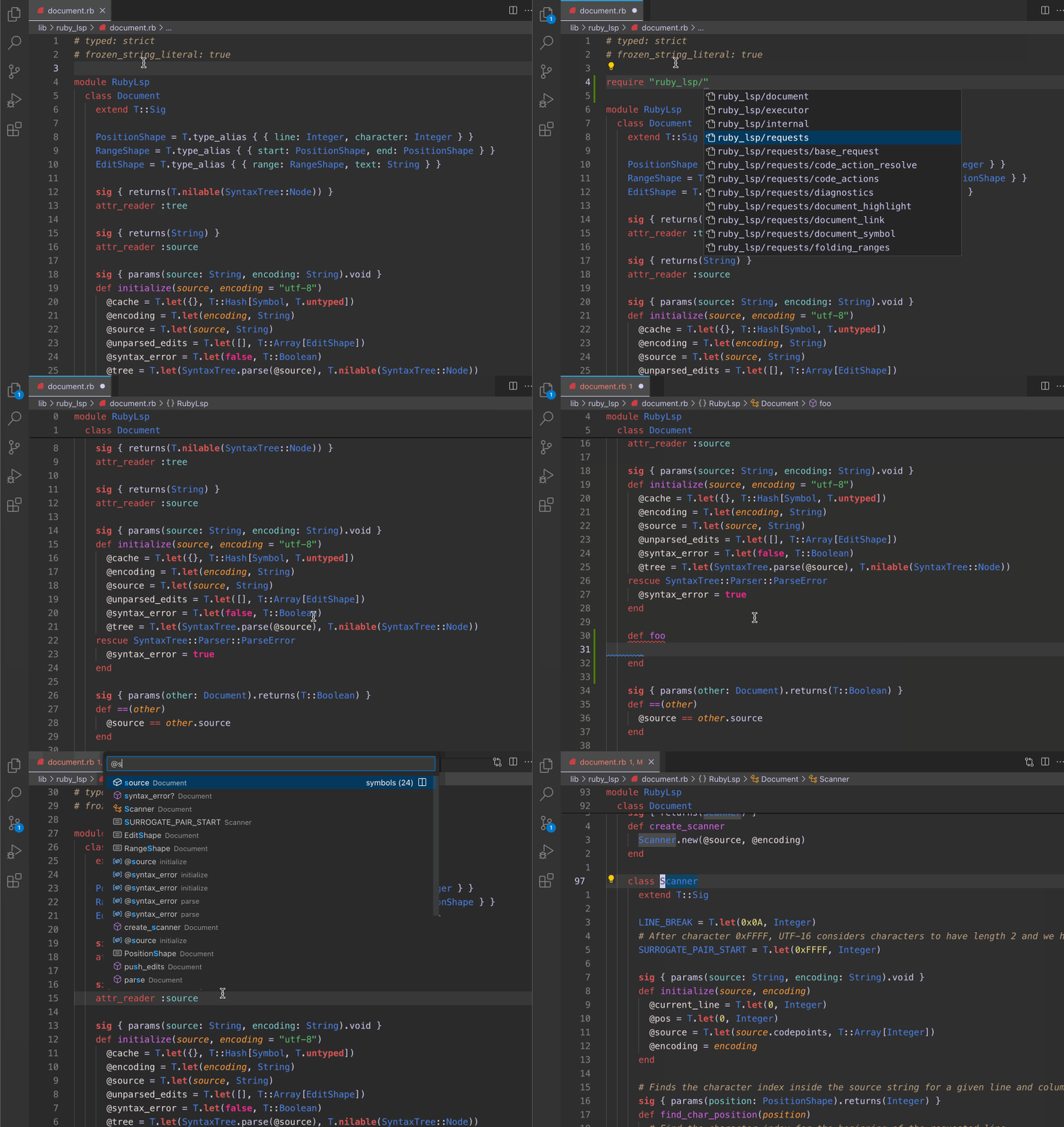
Ruby LSP — the VS Code extension that now runs a Rust engine under the hood
Ruby LSP (Shopify.ruby-lsp, 1.84M installs) replaced its entire code indexer with Rubydex — a Rust-powered static analysis engine — in v0.27.0, eliminating async race conditions and powering go-to-definition, hover docs, test discovery, and more with synchronous precision.

Ruby tooling in VS Code has had a persistent problem: code indexers slow enough that they could only run asynchronously, which introduced race conditions where hover docs or go-to-definition could return stale data mid-edit. Ruby LSP (
Shopify.ruby-lsp) fixed this in v0.27.0 by replacing its entire indexing layer with Rubydex, a portable static analysis engine written in Rust. The engine is fast enough to run synchronously — no queue, no stale cache. 11.84 million installs on VS Code Marketplace as of May 31, 2026, making it the dominant Ruby language server for VS Code by a wide margin. 2
What Rubydex actually changes
Before v0.27, Ruby LSP's indexer ran in the background and could occasionally serve incorrect results while it caught up. Vinicius Stock (Shopify, Ruby LSP lead) described the fix plainly: "Rubydex is fast enough that we can simply index and manage the analysis synchronously, allowing us to eliminate the chances for race conditions and greatly simplifying the code in the Ruby LSP." 1
The migration happened in three beta releases: 3
| Release | Date | What moved to Rubydex |
|---|---|---|
| v0.27.0.beta1 | 2026-04-01 | Type inference, go to definition, workspace symbol, hover, rename |
| v0.27.0.beta2 | 2026-04-30 | Test discovery, type hierarchy, find references |
| v0.27.0.beta3 | 2026-05-08 | Completion, signature help, method hover, method completion resolve — old indexer removed |
Rubydex itself is a three-layer stack: a Rust crate (81.2% of the code), a C-compatible FFI crate, and a Ruby gem with pre-compiled binaries for macOS Intel/M-series, Linux x64/ARM64, and Windows. 4 The pre-compiled binaries mean you don't compile anything when you install the extension — it just works.
コンテンツカードを読み込んでいます…
What you get after installing
Ruby LSP provides the full LSP feature set for Ruby files in VS Code:
- Go to definition — jumps to method/class/constant definitions, including in gems bundled via
bundle install - Hover documentation — renders YARD/RDoc docs inline; Tapioca users see noticeably better docs after Rubydex improved comment-to-declaration association 1
- Workspace symbol search — fuzzy-find any class/module/method across the project with
Cmd+T - Type hierarchy — show ancestors and descendants of a class;
declaration.ancestorsanddeclaration.descendantsare direct Rubydex API calls - Find references — locates all call sites for a method (note: limited to statically resolvable references; see Limitations below)
- Rename — renames a symbol across all files
- Semantic highlighting — distinguishes local variables, instance variables, class methods, and constants by token type rather than regex
- Test discovery — surfaces test classes and methods in VS Code's Testing panel with gutter ▶ buttons
- Formatting — delegates to RuboCop or Syntax Tree, auto-detected from your bundle
Install and initial setup
Extension ID:
Shopify.ruby-lsp · Publisher: Shopify · VS Code: ≥ 1.80 · Languages: Ruby · License: MIT# Install from the CLI
code --install-extension Shopify.ruby-lspOr search Ruby LSP in the Extensions panel — the one published by Shopify (verified badge).
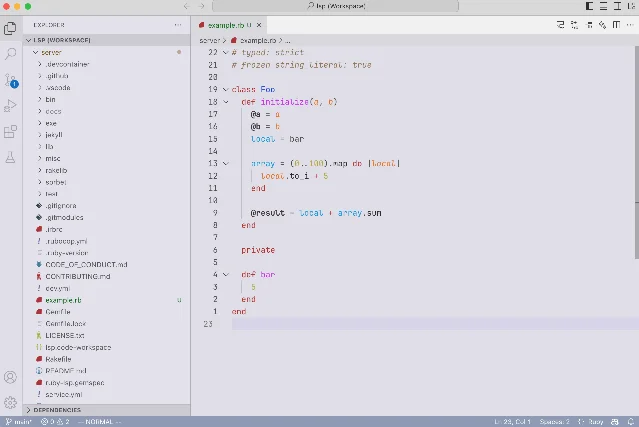
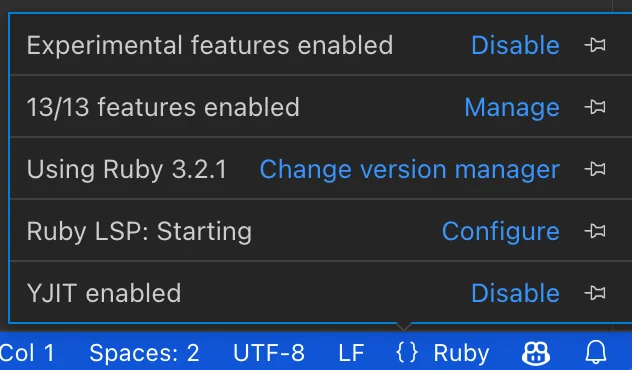
Ruby LSP auto-detects your version manager. Supported out of the box: asdf, chruby, mise, rbenv, RubyInstaller, rvm, shadowenv. Open a Ruby project, check the status bar at the bottom for the Ruby LSP indicator, and it should activate without any configuration. 5
If you're on a Ruby version that's past EOL, the extension won't activate. Use
rubyLsp.bundleGemfile to point to a separate Gemfile with a supported Ruby version: 5// .vscode/settings.json
{
// Point to a separate Gemfile specifying a supported Ruby version
"rubyLsp.bundleGemfile": ".ruby-lsp/Gemfile",
// Formatter: auto detects rubocop or syntax_tree from your bundle
"rubyLsp.formatter": "auto",
// Exclude generated files from indexing
"rubyLsp.indexing": {
"excludedPatterns": ["**/generated/**", "db/schema.rb"]
}
}
Known limitations
A few constraints come with the current Rubydex-powered version that are worth knowing upfront:
Method references are incomplete. Rubydex has no type inference. When you run "Find References" on a method, it returns statically resolvable call sites but cannot follow dynamic dispatch. Shopify lists type-aware analysis as the next planned capability. 1
Gem classes appear as Unresolved in direct API queries. This matters mostly to add-on authors. Regular extension users see gems indexed normally for hover and go-to-definition.
Alpine/musl Linux fails. The pre-compiled x86_64-linux binary doesn't run under Alpine's musl libc (GitHub issue #806, opened 2026-05-15). Docker containers using Alpine will need to wait for a musl-compiled binary or build from source. 6
Add-ons require migration. The old Indexing Enhancement API was removed in beta3. If you rely on any third-party Ruby LSP add-on, check its changelog for Rubydex compatibility before upgrading to v0.27+. 3
Marketplace rating is 2.82/5 across 61 ratings — a small sample size that likely reflects historical pain with version manager detection rather than the current Rubydex-powered state. The GitHub repository (2,000 stars, 5,603 commits) and install count (1.84M) are a more representative signal of where the extension actually stands in the Ruby community. 2
Install
Plugin: Ruby LSP · Extension ID:
Shopify.ruby-lsp · Version: v0.10.4 (VS Code extension), v0.27.0.beta3 (language server) · IDE: VS Code · Language: Ruby · Use case: Language server (LSP), static analysis, formatting, test discovery · Publisher: Shopify · License: MIT · Installs: 1,845,817 2Cover image: ruby_lsp_demo.gif from the Shopify/ruby-lsp repository, MIT license
このコンテンツについて、さらに観点や背景を補足しましょう。