Bokeh type vocabulary for AI image-gen: what actually works across MJ V8.1, Flux, and SDXL
Only 3 of 6 bokeh types work in MJ; Flux/SDXL can't hear any of it — here are the LoRA fixes.

Six bokeh types. Three tools. One of them cares — the other two render whatever they want.
Ask Midjourney V8.1 for
anamorphic bokeh and you get horizontal oval highlights with blue streak flares. Ask Flux.1 Dev the same thing and you get the same shallow DOF it puts on every portrait. Ask SDXL and f/1.4 produces identical depth-of-field to f/32. The gap between what these terms mean in photography and what they do in AI prompts is large, and it's not uniform across tools.This article maps all six bokeh type terms against three tools, explains why two of them can't hear the vocabulary at all, and gives you the LoRA and prefix workarounds that actually shift DOF behavior.
The six types — what each term means and where it's documented
Photography has specific names for bokeh shapes produced by different lens designs. AI tools inherit these as prompt tokens, with very different response rates.
Creamy bokeh — smooth, featureless background blur with uniform-colored disk shapes. The most widely used bokeh descriptor across AI prompt guides. The standard prompt cluster is
creamy smooth bokeh, buttery background blur, featureless soft defocus. 1 Gemini3's guide, published April 2026, lists this as a core vocabulary term alongside shallow depth of field and f/1.4 aperture. Works in Midjourney; ignored in Flux and SDXL (see below).Swirly bokeh — background blur that rotates or spirals outward from center, associated with the Soviet-era Helios 44-2 58mm f/2 lens. The trigger is the lens name itself, not the word "swirly":
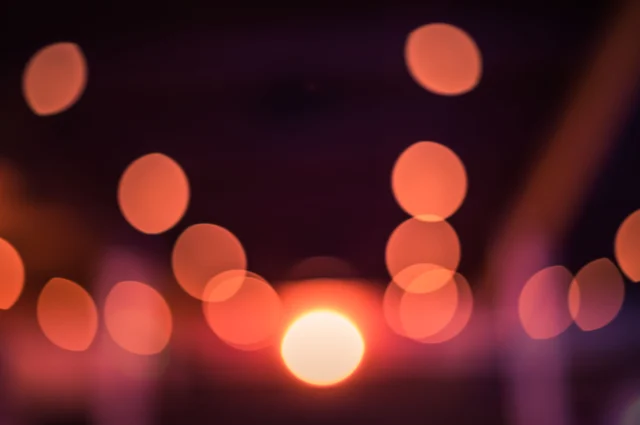
swirly bokeh, Helios 44-2 lens effect, vintage swirling background blur. 1 Midjourney trained on photography datasets recognizes the Helios 44-2 reference; Flux and SDXL do not respond to it.Anamorphic bokeh — horizontal oval highlights (not round) with blue horizontal streak flares, produced by cylindrical anamorphic cinema lenses. This is the one bokeh type with the strongest cross-source documentation for Midjourney. Olivier Hero Dressen, a professional cinematographer writing at DesignHero, confirmed: "For Midjourney, 'anamorphic bokeh' is the key trigger." 2 His full prompt string:
anamorphic lens flares, horizontal blue light streaks, heavy oval bokeh, wet asphalt reflecting neon signage, T-stop 2.0, shot on Panavision C-Series anamorphic lenses, 35mm anamorphic 2.39:1 aspect ratio. He adds: "'Panavision' and 'anamorphic' are powerful tokens that immediately change how the AI renders light 'blooms' and bokeh shapes." 2Hexagonal bokeh — six-sided light disc shapes produced by six-blade aperture lenses. Zero AI documentation. Every search across Reddit's r/midjourney, r/StableDiffusion, and r/FluxAI returns no AI-relevant results — only traditional photography tutorials from Nikon USA and Photography Life. Likely cause: modern lenses use rounded aperture blades, so the training data for "hexagonal bokeh" simply doesn't exist at any scale.
Donut/ring bokeh — annular ring highlights with a dark center, produced by mirror/catadioptric reflex lenses. Zero AI documentation. Searches return food results, the Python Bokeh charting library, and traditional photography sites — no AI-generated image results anywhere.
Soap-bubble bokeh — highlights with bright edges and dark centers, the optical signature of the Meyer-Optik Görlitz Trioplan 100mm f/2.8. Zero AI documentation. One Facebook photography group post about traditional film photography; no AI community discussion found.
The evidence split is clean: creamy, swirly, and anamorphic have prompt documentation (for Midjourney only). Hexagonal, donut/ring, and soap-bubble have no evidence of working in any tool.
Why Flux and SDXL can't hear any of it
Both models bake mandatory shallow DOF into their portrait outputs at the training-data level. The models weren't captioned with aperture metadata — they were captioned with AI tools that describe what's visible, not how the shot was taken. This is why
f/32 and f/1.4 produce the same DOF in Flux: those tokens never appeared in the training captions at all.Reddit user u/terrariyum explained the Flux case directly: "We know that Flux used AI captioning, not scraped captioning. We also know that AI captioning doesn't spit out 'f/16, sharp focus, Flickr 2007.'" 4 The original poster of that thread, u/Loose_Object_8311, tested every known workaround before filing the complaint: "None of the 'f/8, flickr 2007, sharp focus' voodoo made a lick of difference except the word 'selfie' seemed to actually make a difference." 4
SDXL's version of the same problem predates Flux. Community user u/ace_urban noted it in July 2023, right after SDXL's release: "There's always some kind of subject in focus but it seems the rest is often blurred in a very SDXLish kind of way." 5 From 2023 through early 2025, four separate Reddit threads with scores between 31–148 confirmed that f-stop terms, focal length specs, and negative prompts all fail to change SDXL's DOF behavior. As u/Apart_Bag507 summarized: "There are methods to alleviate it, such as loras or prompts, but the problem is never completely solved." 6
VadimFedenko, who later built the AntiBlur LoRA for Flux, diagnosed the root cause: "Flux has a really poor understanding of DoF and blur conceptually. So not only it is present in much bigger amount than SD1.5/SDXL, it also provides much worse control over it." 7 His conclusion: "Persistent shallow DOF is just what Flux's training data looks like."
The practical implication: adding
creamy bokeh, swirly bokeh, or any other bokeh type term to a Flux or SDXL prompt doesn't select a bokeh style. It fires the model's general bokeh/DOF training — and both models already had that on full by default.MJ V8.1: the only bokeh-aware tool
Midjourney trained on scraped photography captions rather than AI-generated ones. That training pipeline preserved aperture vocabulary, lens names, and photographic style descriptions — which is why
Helios 44-2, anamorphic, and f/1.4 can actually shift rendering behavior.Gemini3's guide states: "Midjourney V6+ handle bokeh particularly well because they're trained on extensive photography datasets. Use photography-specific vocabulary rather than design terminology for better results." 1
That said, all existing community documentation covers V6/V7 — not V8.1. Midjourney V8.1 launched in April 2026 with a new HD mode and a revised personalization system. Its behavior on specific bokeh type terms has not been independently tested. 8
The --raw + --stylize 50 baseline
For MJ V8.1, the control baseline for precise bokeh rendering is
--raw with --stylize 50 or lower.--stylize (range 0–1000, default 100) controls how much artistic interpretation Midjourney applies on top of your prompt. At 100 (default), the model blends prompt fidelity with aesthetic judgment. At 300+, it can override your explicit instructions entirely. For photography-specific terms like bokeh type vocabulary, you want the model following your prompt literally, not layering its own stylistic choices on top. 8--raw turns off Midjourney's default aesthetic processing and produces output closer to the literal prompt. The MindStudio guide notes: "For photorealistic work in V8: Use 50–150 for --stylize. High stylize in photorealistic prompts often adds an artificial quality." 9 Blake Crosley's reference confirms: "Use --raw when literal prompt control matters." 8The photorealism sweet spot per Seven Sky Writes' testing:
--stylize 150 as the upper end. At --stylize 100–150 with --raw active, specific lens terms like Sony 85mm f/1.4 render "shallow depth of field and bokeh exactly like that real lens." 10One caveat:
--exp (range 0–100, default 0) at values above 25 can override --stylize behavior. Keep --exp at 0–10 when using bokeh type vocabulary to avoid it conflicting with --stylize settings. 8Confirmed gap: no community A/B comparison images of different bokeh types from the same scene exist for V8.1 (or any version, for that matter). The documentation for creamy, swirly, and anamorphic comes from single-use prompt examples, not controlled side-by-side tests. V8.1's more literal prompt processing is expected to improve bokeh type differentiation compared to V7, but this hasn't been verified.
Flux: workarounds for mandatory bokeh
Since prompt terms don't work, there are two practical options: the AntiBlur LoRA and the GoPro prefix hack.
AntiBlur LoRA — the only working DOF control for Flux.1 D
The AntiBlur LoRA (VadimFedenko, Civitai #675581) is a rank-128, 655 MB model trained specifically to counteract Flux.1 Dev's mandatory shallow DOF. 7 No trigger words are needed — load the LoRA and it's active.
The author chose rank-128 for a specific reason: "information about the backgrounds is everywhere in the latent space, and the larger the model, the better results it gives. That's how I settled on the 128-rank Lora." 7 DOF information isn't isolated to a few model layers — it's embedded across almost all of them, which is why low-rank attempts failed.
Weight behavior:
- Weight 0: default Flux shallow DOF output (LoRA has no effect)
- Weight 1.0: moderate sharpening, comfortable output quality
- Weight 3.0+: deep DOF, background sharp, no reported quality degradation at 14,545 downloads and a 4.7/5 Civitai rating
The LoRA pairs well with hires.fix. For maximum background clarity, the MyAIForce testing workflow — AntiBlur at weight 2, combined with Upscale Latent and image-to-image repainting — produced the sharpest results in their ~500-image test set. 11
Compatibility hard limits: AntiBlur is trained on Flux.1 D only. It has not been tested on Flux 2 (Dev, Flex, Klein 4B, Klein 9B). Given confirmed LoRA incompatibility between Flux 2 variants — Flux.2 Dev LoRAs don't run on Flux.2 Klein 9B Base, and 4B and 9B LoRAs are mutually incompatible 12 — AntiBlur likely won't load on Flux 2 variants without errors. No one has reported attempting it. For Flux 1.1 Pro Ultra and API endpoints, there's no solution at all: the API exposes no LoRA injection and no negative prompt. 13
GoPro prefix hack — no-install, uncertain reliability
Before the AntiBlur LoRA existed, u/Loose_Object_8311 found a prompt-only workaround: prepend
gopro fisheye selfie to the start of any prompt. 14 The mechanism: GoPro action cameras have small sensors and wide-angle lenses that produce large DOF by default. Flux's training data for "GoPro" images likely included many sharp-background frames, pulling the output toward that pattern.How to use it: put the phrase at the very beginning of the prompt, before subject description.
gopro fisheye selfie, [your actual prompt here]This is a single-source, unverified technique — the original poster's account has since been deleted, and no independent A/B comparison images exist for it. It's worth testing if you're on Flux.1 D without ComfyUI access for the LoRA, but don't count on consistent results.
Prompt description order — side effect, not a control
MyAIForce's testing identified one additional behavioral pattern: elements described earlier in a Flux prompt tend to be rendered more sharply. If you describe the background in detail before the subject, the background gets more pixels and more definition. Conversely, minimal background description naturally concentrates sharpness on the subject. 11 This isn't a way to select a bokeh style — it's a mechanism for nudging where sharpness falls.
SDXL: f-stop is a no-op, but three LoRAs exist
F-stop values in SDXL prompts produce zero measurable DOF change.
f/1.4 and f/32 render the same blurred background. Five independent community sources over a 2.5-year span confirmed this. 5 6 Adding bokeh or depth of field to the negative prompt reduces the effect somewhat but doesn't remove it.Three Civitai LoRAs address the problem directly:
Depth of Field Slider — Pony & XL (klaabu, #2221096) — slider-style control: low values push toward deep focus (sharp background), high values increase bokeh. File size 2.66 MB, 30,700+ downloads, 123 rated reviews at "Very Positive." 15 This is the highest-download SDXL DOF LoRA currently available.
Better Blur Control XL (Cybernella, #324815) — trigger word
sharp background, weight 1.0. 11,000+ downloads. Author's honest assessment: "This LoRA aims at reducing or controlling the depth of field effect that's very strong in SDXL models. It doesn't work all the time." 16SOAP Photo Enhancement LoRA (VegaKH) — one of the earliest SDXL DOF LoRAs, posted in August 2023, 424 upvotes on r/StableDiffusion. 17 Less active now that the Slider and Better Blur Control exist.
None of these fully solve the problem. Per community consensus over 2.5 years, SDXL's DOF behavior is "never completely solved" by LoRAs or prompts. 6 The two practical alternatives are: switch to an SD 1.5 model with full DOF response (EpicRealism is the standard recommendation), or accept the SDXL output and use ComfyUI's Genfocus Refocus node (EricRollei/comfyui-refocus, v0.1.2, May 2026) to post-process focal plane control. 18 Genfocus uses a DeblurNet to restore a fully sharp image, then BokehNet to reapply a controlled DOF with a user-defined focus plane — it can simulate any bokeh shape in post, independent of what SDXL generated.
Cross-tool bokeh control reference table
| Bokeh type | MJ V8.1 | Flux dev/schnell/Flux 2 | SDXL |
|---|---|---|---|
| Creamy | creamy smooth bokeh, buttery background blur, featureless soft defocus + --raw --s 50 | Prompt ignored — use AntiBlur LoRA (weight 1–3) or gopro fisheye selfie prefix | Prompt ignored — use Depth of Field Slider LoRA #2221096 |
| Swirly | swirly bokeh, Helios 44-2 lens effect, vintage swirling background blur + --raw --s 50 | Prompt ignored — AntiBlur or GoPro hack | Prompt ignored — no lens-name recognition |
| Anamorphic | anamorphic lens flares, horizontal blue light streaks, heavy oval bokeh, shot on Panavision C-Series anamorphic lenses, 35mm anamorphic 2.39:1 aspect ratio | For Flux: add Panavision C-Series for flare patterns; DOF itself unchanged without AntiBlur | No anamorphic-specific behavior confirmed |
| Hexagonal | hexagonal bokeh, 6-blade aperture bokeh, hexagonal light orbs (untested — no evidence it works) | Untested and unlikely to work | Untested and unlikely to work |
| Donut/Ring | mirror lens bokeh, donut-shaped bokeh, ring bokeh circles, catadioptric lens bokeh (untested) | Untested and unlikely to work | Untested and unlikely to work |
| Soap-bubble | soap bubble bokeh, Meyer-Optik Trioplan bokeh, bubble bokeh circles, Trioplan 100mm soap bubble effect (untested) | Untested and unlikely to work | Untested and unlikely to work |
MJ V8.1 DOF baseline:
--raw --stylize 50 + specific lens name (e.g. Sony 85mm f/1.4) for maximum prompt fidelity. Keep --exp at 0–10.Flux DOF control: AntiBlur LoRA (Civitai #675581, rank-128, 655 MB, Flux.1 D only, no Flux 2 compatibility confirmed). Weight range: 0 (full bokeh) → 1.0 (default) → 3.0+ (sharp background). GoPro hack (
gopro fisheye selfie at prompt start) as fallback with uncertain reliability.SDXL DOF control: Depth of Field Slider #2221096 (30.7k downloads, slider-style) or Better Blur Control XL #324815 (
sharp background trigger). F-stop terms have zero effect. For controlled bokeh shape post-generation: ComfyUI Genfocus Refocus node (EricRollei, v0.1.2).The confirmed evidence gap: no A/B comparison images of different bokeh types from the same scene exist across any tool. All documentation is single-use prompt examples without controlled comparison. This is the right experiment to run if you want to verify V8.1's bokeh type differentiation before committing to a production workflow.
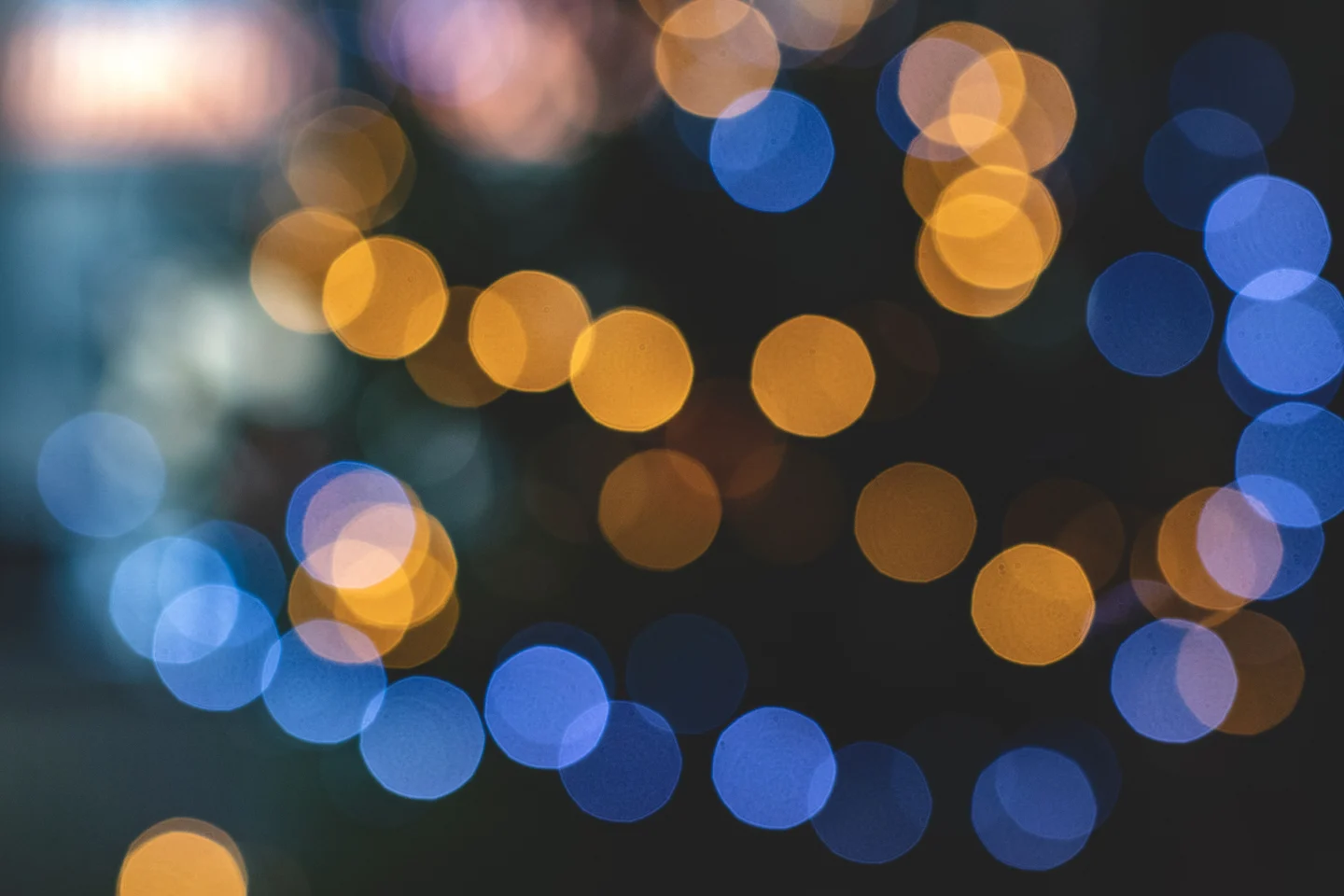
Cover image: Blue and yellow bokeh lights by Mateusz Dach via Pexels
Fuentes de referencia
- 1Gemini3 Prompt: AI Bokeh & Depth of Field Photography Prompts
- 2DesignHero: 7 Prompts for Professional Realism — FLUX & Midjourney
- 3Pexels: View of bokeh photography by Brett Sayles
- 4r/StableDiffusion: Dear Flux Devs, please no more depth of field / bokeh
- 5r/StableDiffusion: Is it me or does SDXL do A LOT of blurring?
- 6r/StableDiffusion: It is practically impossible to remove bokeh/blurred background from SDXL
- 7VadimFedenko: Anti-blur Flux Lora v1.0 on Civitai
- 8Blake Crosley: Midjourney V8.1 + V7 Reference
- 9MindStudio: How to Get the Best Results from MidJourney V8 Alpha
- 10Seven Sky Writes: 15 Best Midjourney Prompts for Realistic Photos (2026)
- 11MyAIForce: Flux
- 12r/StableDiffusion: Curious about Flux 2 Klein LoRA compatibility
- 13r/FluxAI: How do I get rid of the excessive background blur?
- 14Reddit comment by u/Loose_Object_8311 on AntiBlur announcement
- 15klaabu: Depth of Field Slider — Pony & XL on Civitai
- 16Cybernella: Better Blur Control XL on Civitai
- 17VegaKH: SOAP photo enhancement LoRA on Reddit
- 18EricRollei: ComfyUI Nodes for Genfocus Generative Refocusing on GitHub
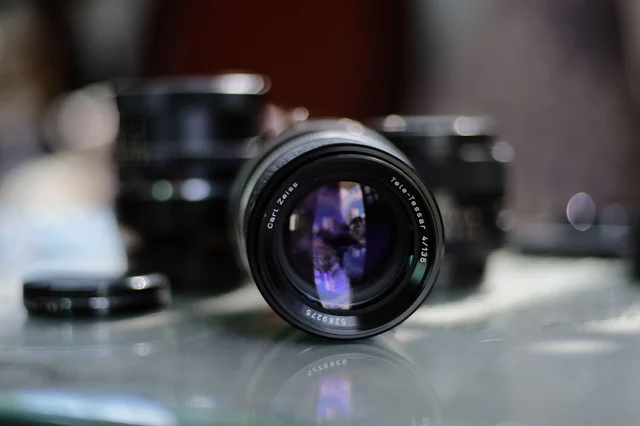
- 19Pexels: Close-up shot of a camera lens by Nguyen Huy
Añade más opiniones o contexto en torno a este contenido.